Your first AI answer (end to end)
UserThe chat is your central workspace. Here you ask questions, have texts drafted or documents analyzed.
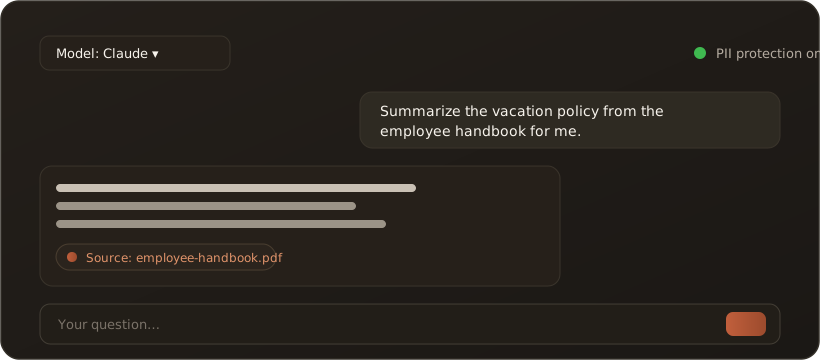
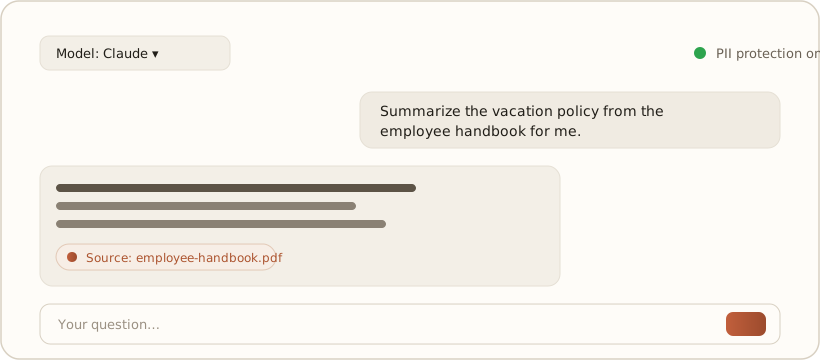
Three steps to your first answer
Section titled “Three steps to your first answer”- Enter a question — type your question into the input line at the bottom and send it.
- Pick a model (optional) — at the top you choose the AI model to match the task; the default works for most questions.
- Read the answer — the answer appears in real time, word by word.
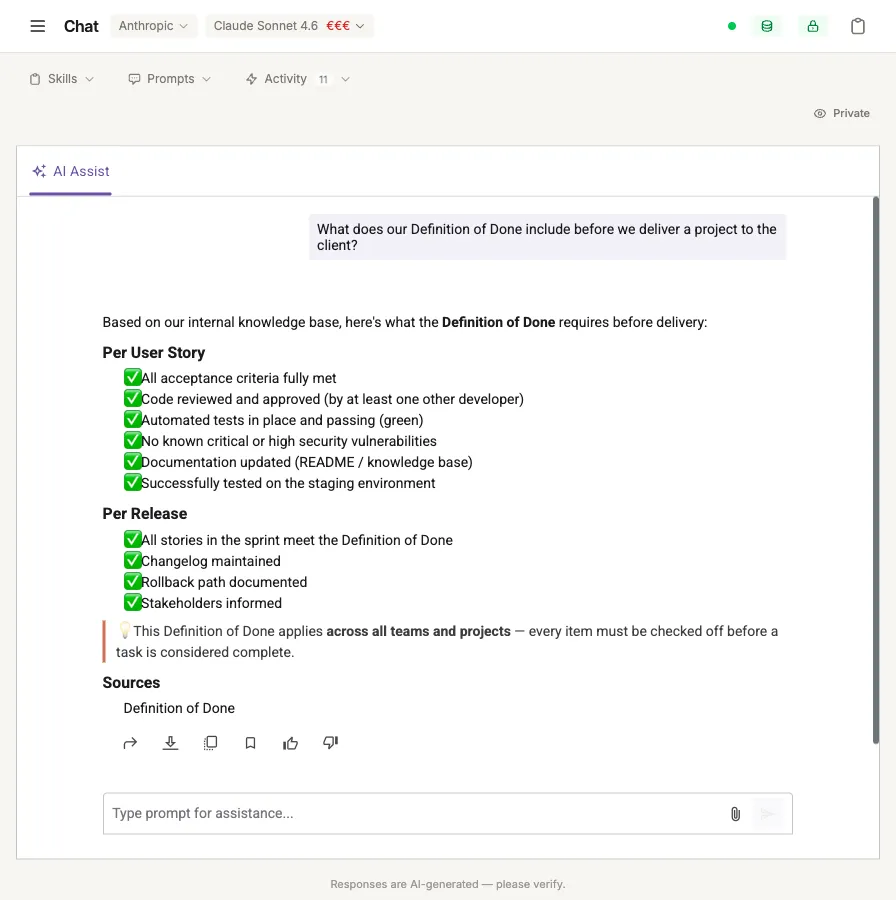
A real answer with a source reference (“Sources” section) — the model selector and PII status are at the top.
What you’ll notice
Section titled “What you’ll notice”- Source references: if the answer draws on your knowledge base, you see a clickable reference to the original document.
- PII protection: a status at the top shows whether protection is switched on — then detected personal data is automatically pseudonymized before being handed to the model. → The PII shield
- Reuse: answers can be exported as Word/PDF or forwarded to colleagues.
Tip: be specific and name the context (”… from the employee handbook”, ”… in three bullet points”). This noticeably improves answer quality.
What’s next
Section titled “What’s next”- Recommended settings before you start — especially before you import many documents
- Your first document in the knowledge base
- Try it with sample data — no data of your own yet? Two ready-made sample knowledge bases
- The interface at a glance