What is CompanyWizard? (2-minute overview)
UserCompanyWizard is the AI assistant for your company — a single interface for chat, knowledge base, document import, agents, image generation and team messaging. What makes it special: the application runs as your own, dedicated instance. Your data stays there — only what a cloud language model needs to answer goes out, and detected personal data in it only pseudonymized. With a local model nothing leaves the company. → Keeping confidential data local
This overview takes two minutes. After that you set CompanyWizard up (Installation & first launch).
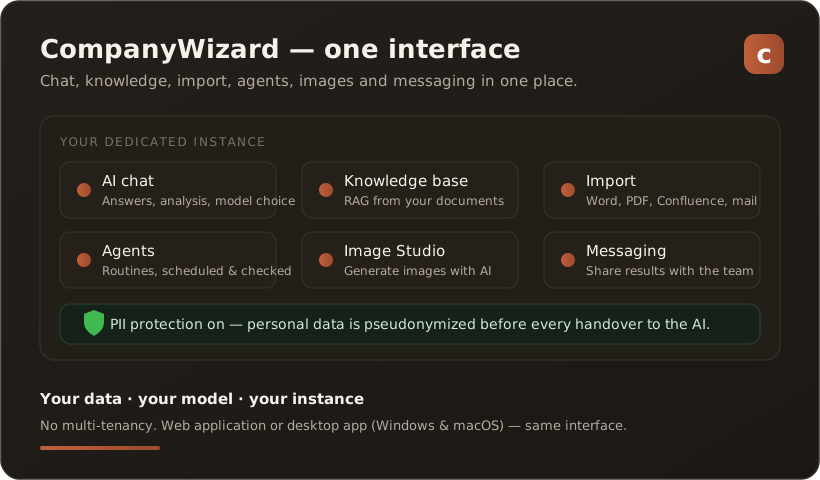
One interface instead of tool sprawl
Section titled “One interface instead of tool sprawl”Instead of opening a different tool for every task, you work in one place:
- AI chat — ask questions, draft texts, analyze documents; you can pick the model per task.
- Knowledge base — your company documents become the AI’s knowledge source (RAG), with clickable source references.
- Import — Word, PDF, HTML, Confluence, SharePoint, X and email mailboxes flow into the knowledge base through one pipeline.
- Agents — recurring tasks run on a schedule, with dry run and log.
- Image Studio — generate images with AI and drop them straight into articles.
- Messaging — share results with your team.
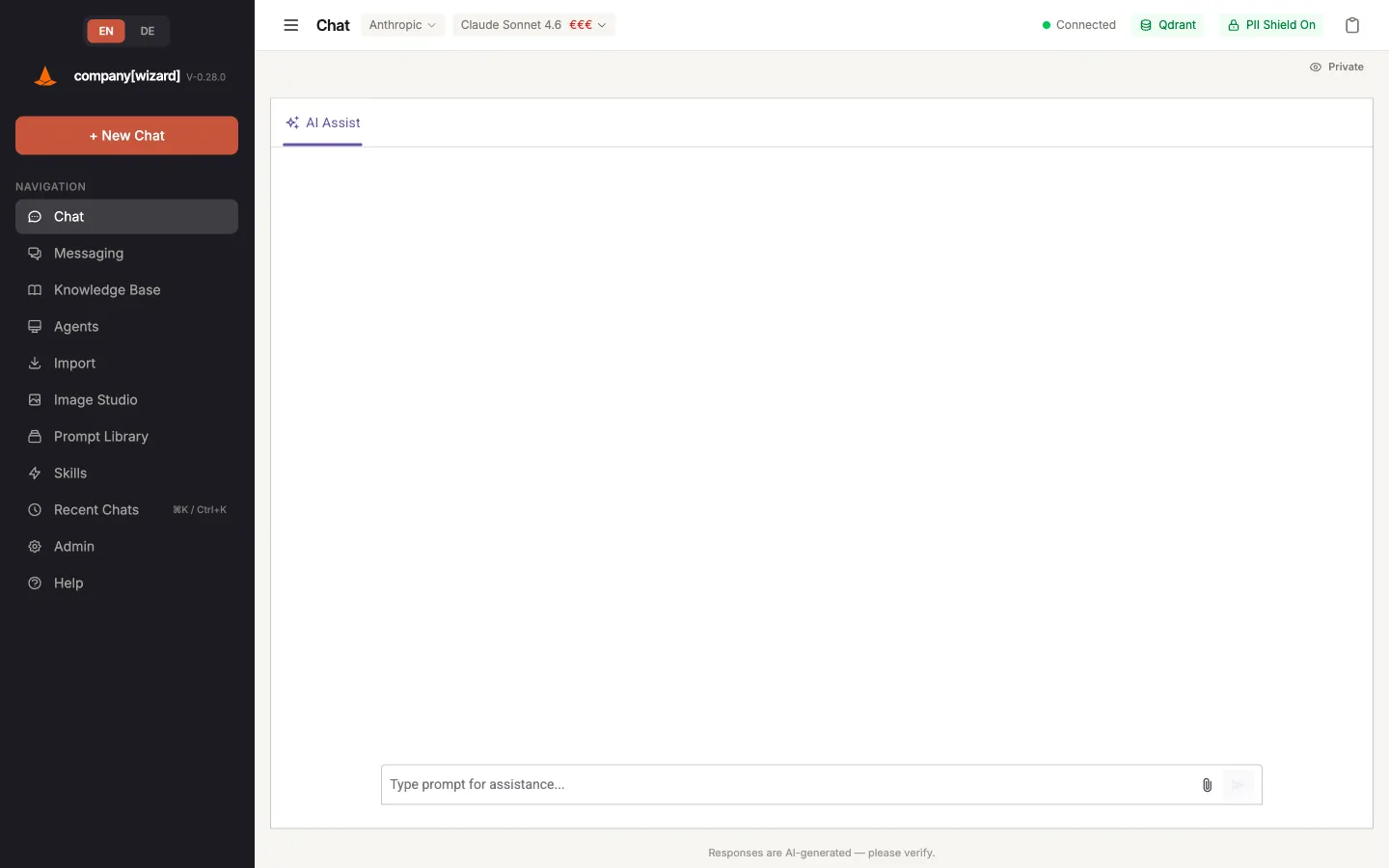
The interface after sign-in: all modules on the left, the workspace on the right.
Your data stays in-house
Section titled “Your data stays in-house”CompanyWizard is single-tenant: one instance for your company only, not a shared cloud. With PII protection switched on, detected personal data is automatically pseudonymized before it is handed to a language model — with an audit log. → The PII shield Which AI model you use is your decision (your own key, your own provider or a local model).
Installation options — from single workstation to web version
Section titled “Installation options — from single workstation to web version”CompanyWizard runs as a desktop app (Windows, macOS & Linux, offline if you want) or as a web application in the browser — the interface is identical everywhere, so switching needs no training. How you run it depends on whether you work alone or in a team:
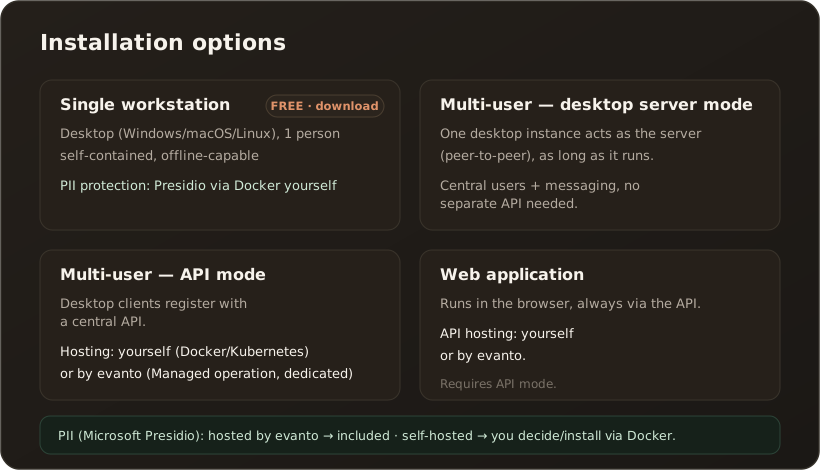
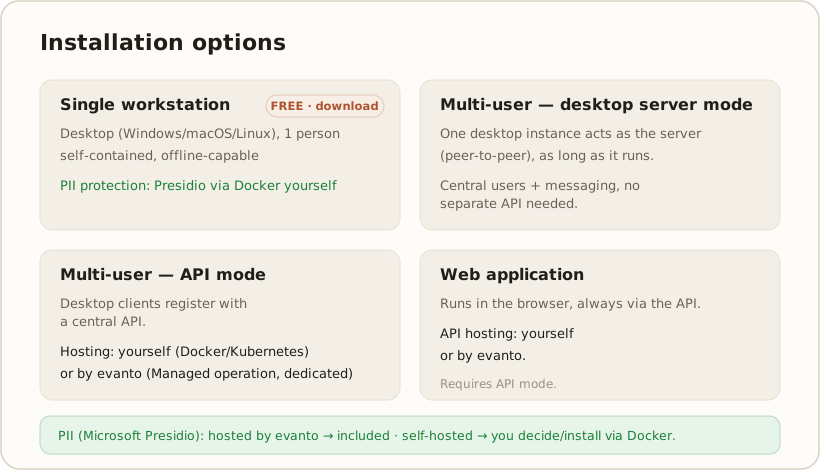
| Option | For whom | How it works |
|---|---|---|
| Single workstation (Free, download) | 1 person | Desktop app, self-contained and offline-capable — the download is the single-user edition. PII protection is included; you install Microsoft Presidio yourself via Docker. |
| Multi-user — desktop server mode | small team without server infrastructure | One desktop instance acts as the server (peer-to-peer) and handles central user management + messaging — as long as it is running. No separate API needed. |
| Multi-user — API mode | team/company | The desktop instances register with a central API (users + messaging run through it). You host the API yourself (Docker/Kubernetes) or evanto hosts it dedicated for you. |
| Web application | team/company | Runs in the browser and always requires API mode. The API is again hosted by you or by evanto. |
PII protection & Presidio: If evanto hosts the API, a Presidio instance is included. If you host it yourself (single workstation or your own API), you decide whether to provide Presidio via Docker.
Note: The download is the free single-user edition. Multi-user operation (server mode, API) and the web version are part of the paid editions. On first launch the app offers to activate the free license (License area) — this is not mandatory, the app runs on the Free tier right away.
Step by step for each scenario: see the Installation scenarios reference.